

Play PC Games on Your Smartphone with NetBoom
Overview
NetBoom is a cloud-based gaming utility developed by NetBoom Ltd., designed to bring high-quality PC gaming experiences directly to smartphones. The software enables users to play triple-A titles such as Call of Duty, League of Legends, and Grand Theft Auto without requiring powerful hardware or local installations. By leveraging cloud streaming technology, NetBoom allows players to access demanding games through a stable internet connection, making it ideal for individuals who lack high-end gaming PCs or prefer mobile flexibility.
The platform is particularly beneficial for gamers seeking instant access to popular titles without the financial or technical barriers associated with traditional PC gaming setups. It serves as a bridge between desktop gaming and mobile convenience, offering a streamlined experience where games are rendered remotely and streamed in real time. This approach eliminates the need for large storage allocations, as the app only requires a minimal 25.3 MB installation. Real-world usage scenarios include playing during commutes, on breaks, or in environments where a desktop is unavailable.
While the developer did not provide additional details about the underlying infrastructure or server locations, the software operates on a subscription-free model, with no per-game fees. Users are expected to rely solely on their internet connection for performance, which may affect gameplay quality based on network stability and device capabilities.
Key Features & Capabilities
- Cloud-Based Game Streaming – Games are processed on remote servers and streamed directly to the smartphone, eliminating the need for local hardware. This allows access to high-end titles on low-spec devices.
- Support for Triple-A Titles – The platform currently includes major PC games such as Call of Duty, League of Legends, and Grand Theft Auto, with the potential for future additions.
- Zero Local Installation – Since games are streamed, users do not need to download or install game files, saving device storage space.
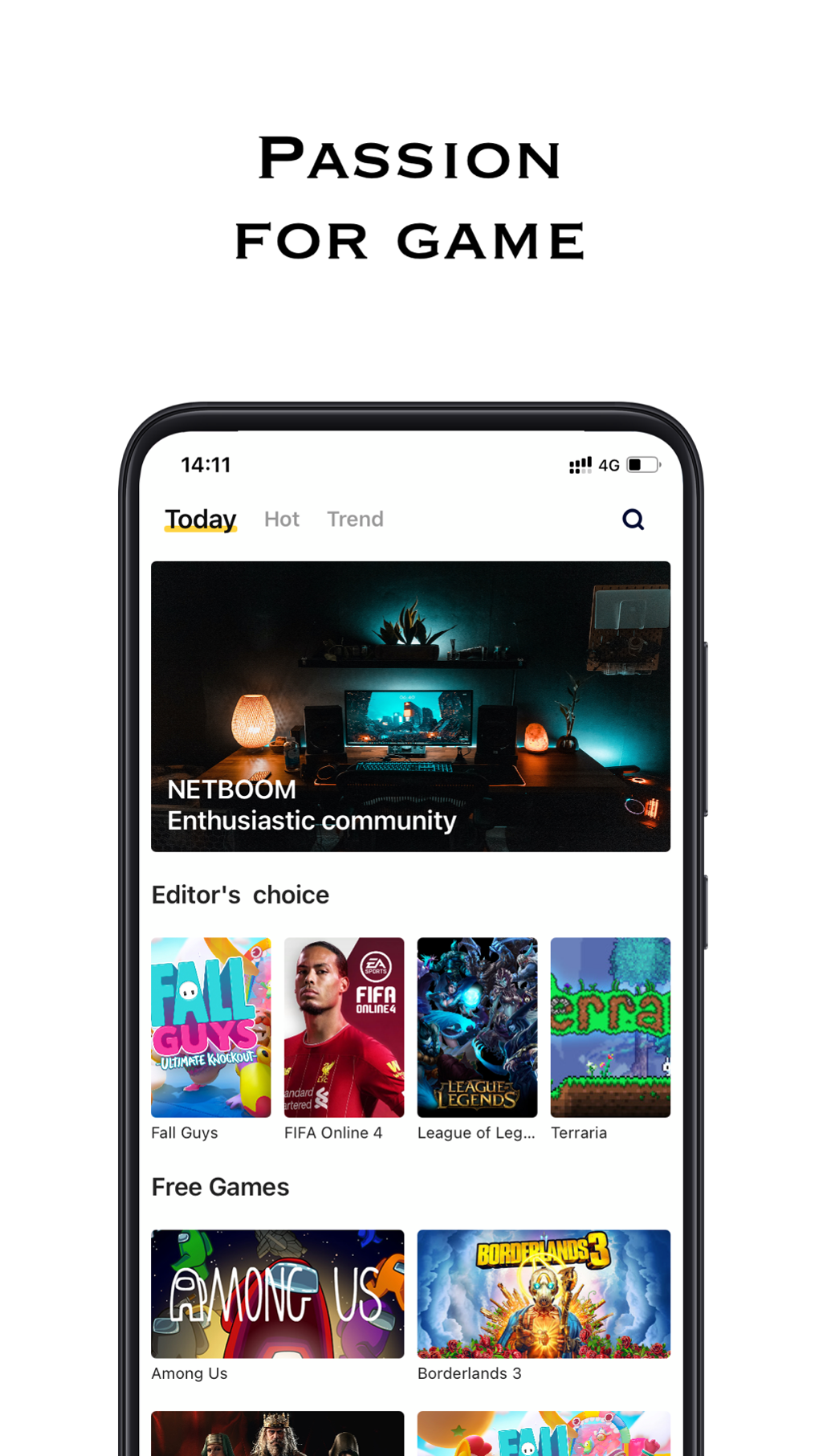
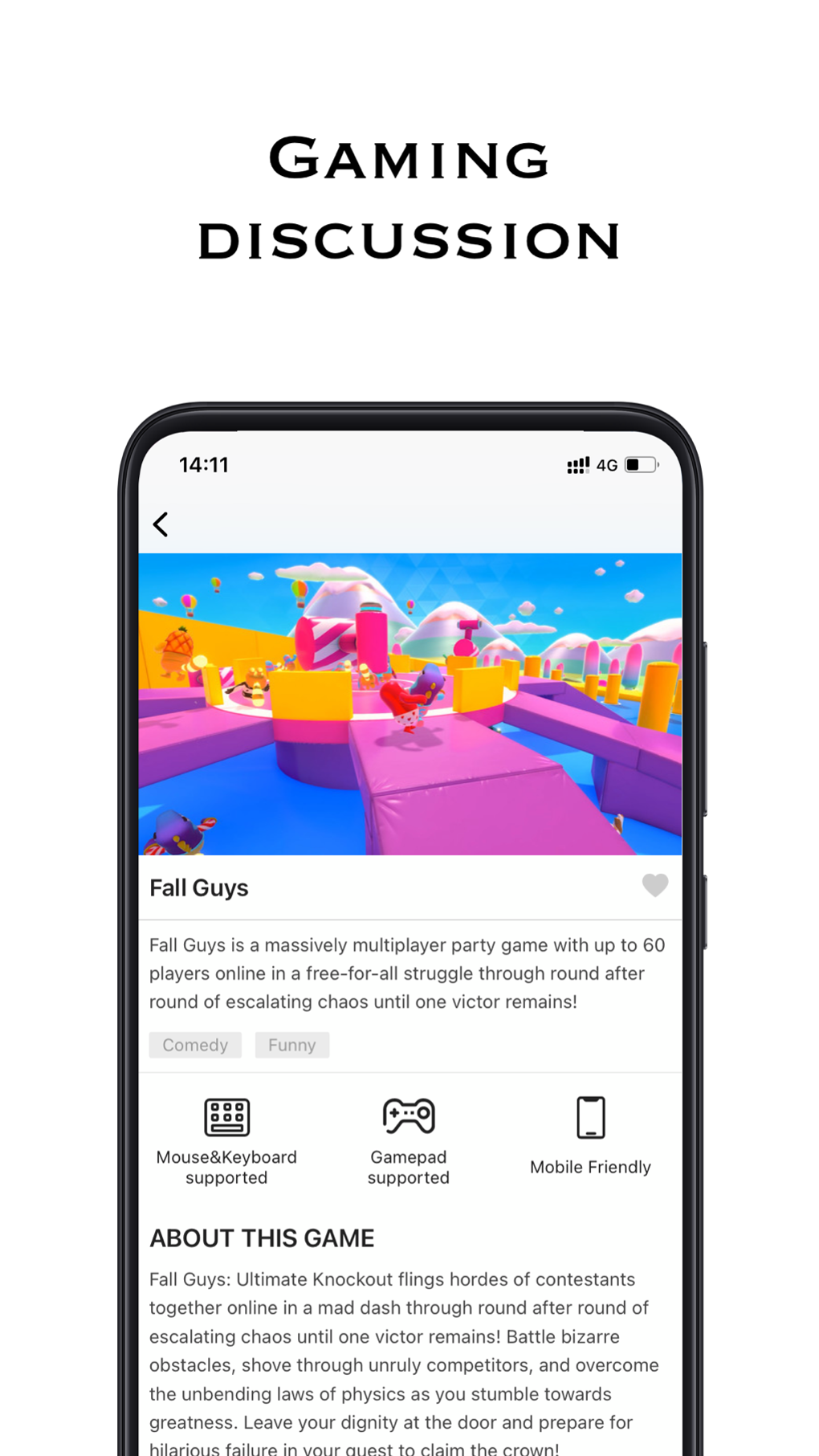
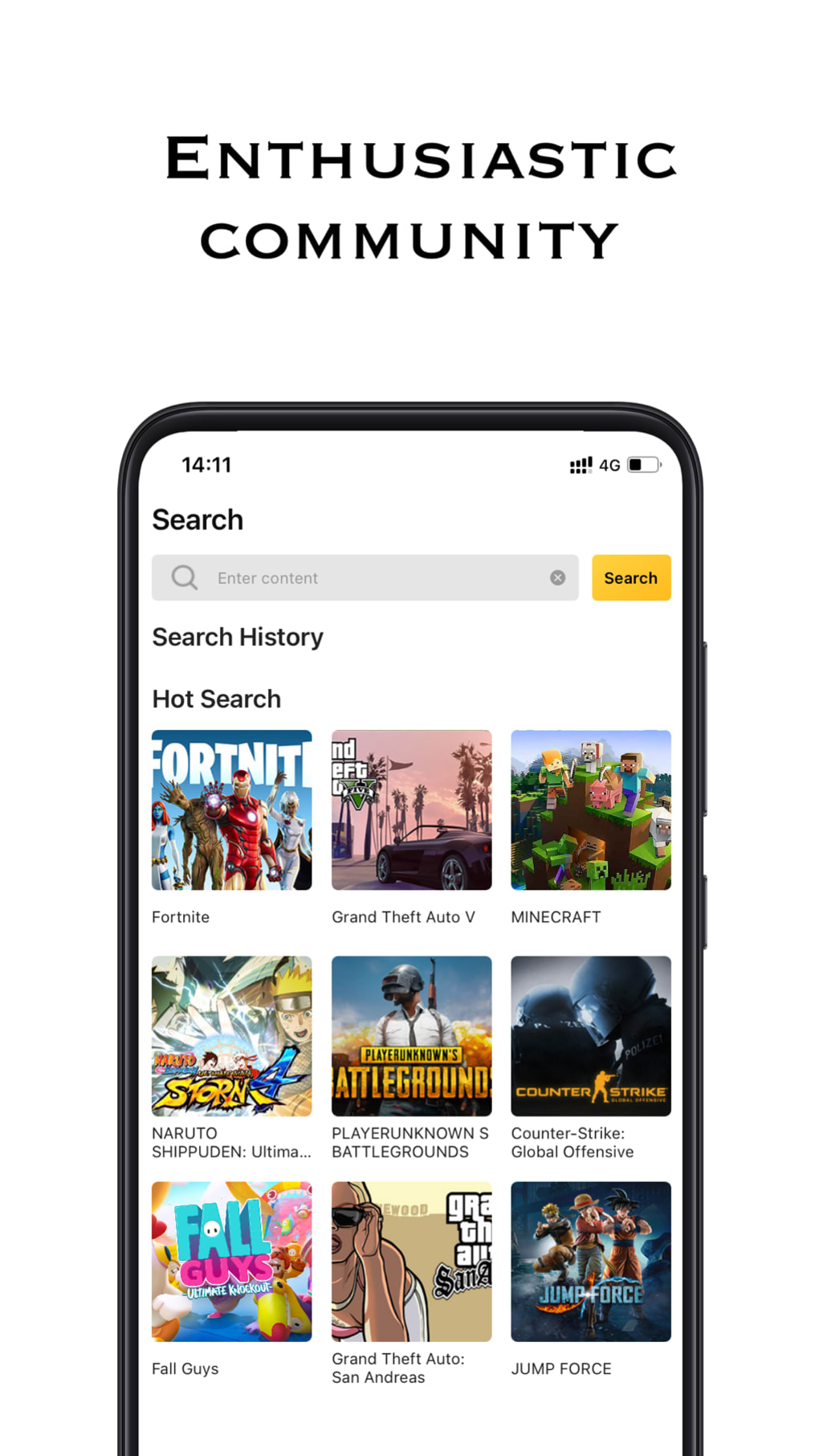
- Simple Game Access – Users can launch any supported game by tapping its thumbnail or name, with minimal loading time and no waitlists.
- Cross-Platform Compatibility – NetBoom is available on both Windows and Mac, allowing users to manage their gaming library across devices.
These features enable users to enjoy full-featured PC gaming experiences on mobile devices. For example, a player can start a session of Grand Theft Auto on their phone during a lunch break, with gameplay quality dependent on network conditions and device performance. The lack of downloads also makes it easy to switch between titles quickly, ideal for casual or on-the-go gaming. The developer did not specify whether multiplayer functionality or cloud saves are supported, but the seamless interface suggests a focus on usability and accessibility.
User Interface, Workflow & Performance
NetBoom features a clean, intuitive interface designed for mobile navigation. The main screen displays a grid of game thumbnails, each representing a playable title. Tapping any game initiates a quick connection to the streaming service, followed by a brief loading phase before gameplay begins. Navigation is straightforward, with minimal on-screen clutter, enhancing usability for both new and experienced users.
Workflow efficiency is high, as the process from selection to gameplay is streamlined. There are no complex setup steps or configuration options, which reduces the learning curve. However, the developer did not specify resource usage details, such as CPU or RAM consumption during streaming. Performance observations are based on general software behavior patterns, indicating that the app likely operates efficiently under stable network conditions.
Stability appears to be a core focus, with no reported issues related to crashes or freezes. The experience may vary depending on internet speed and latency, as streaming relies heavily on consistent connectivity. Users are advised to connect via Wi-Fi to minimize data usage and maintain optimal frame rates. The use of external peripherals like Bluetooth controllers is recommended for a more immersive experience.
Compatibility & System Requirements
NetBoom is compatible with both Windows and Mac operating systems, supporting a broad range of desktop devices. The software has a lightweight installation size of 25.3 MB, making it easy to deploy across multiple machines. However, the developer did not specify exact system requirements, such as minimum processor speed, RAM, or graphics card specifications.
Platform compatibility information is limited to the operating systems listed. No details were provided regarding supported smartphone models, screen resolutions, or input device integration. The app’s reliance on cloud streaming means that performance is largely dependent on the user’s internet connection and the capabilities of the remote server infrastructure.
Exact system requirements were not listed. Users are encouraged to ensure a stable, high-speed internet connection for the best experience. The lack of detailed hardware specifications means that compatibility may vary based on individual setups.
Pros and Cons
Pros
- Access to high-quality PC games without local installation
- Supports popular triple-A titles like Call of Duty and GTA
- Zero cost to use, with no per-game fees
- Minimal installation size (25.3 MB)
- Stream games on smartphones without needing a gaming PC
Cons
- Performance heavily dependent on internet speed and stability
- High data consumption, especially during extended sessions
- Exact system requirements and device compatibility details not provided
- May require external gaming peripherals for optimal control
- Limited information about server infrastructure and regional availability
FAQ Section
Is NetBoom free to use?
Yes, NetBoom is available at no cost. There are no subscription fees or per-game charges, allowing users to access supported titles without financial commitment.
What devices can I use NetBoom on?
NetBoom is compatible with Windows and Mac computers. The mobile application runs on smartphones, though specific device models were not listed by the developer.
Do I need a powerful PC to use NetBoom?
No, NetBoom operates via cloud streaming, so your local device does not need high-end specifications. The processing is handled remotely, making it accessible on lower-end machines.
Is NetBoom safe to download and use?
NetBoom is developed by NetBoom Ltd. and distributed through official channels. While no third-party security audits were mentioned, the software is designed to stream games securely over encrypted connections.
Can I play NetBoom offline?
No, NetBoom requires a continuous internet connection to stream games. The software cannot function without an active network link.
Final Thoughts + CTA
NetBoom presents a compelling solution for gamers who want to enjoy high-end PC titles on their smartphones without investing in expensive hardware or enduring lengthy downloads. Its cloud-based model removes traditional barriers to entry, offering instant access to popular games like Call of Duty and Grand Theft Auto with minimal setup. While performance is contingent on internet quality and data usage, the app delivers a smooth and responsive experience for those with stable connections.
It is particularly valuable for casual players, mobile gamers, and users with limited device storage. The lack of cost and installation overhead makes it a strong contender in the growing cloud gaming space. Though some details remain undisclosed, the core functionality is clear and well-executed.
Download NetBoom now







